Your CAD.
A 3D catalog customers actually use.
Drop in your CAD or mesh files, connect a parts list, and share an interactive catalog customers can explore, understand, and use to request what they need—without a conversion service or a long implementation. Your source CAD is parsed locally in your browser. You choose what to publish.
Source CAD parsed locally·Quote requests in Slack or Teams·Private beta
Live demo
Try a published catalog, right here
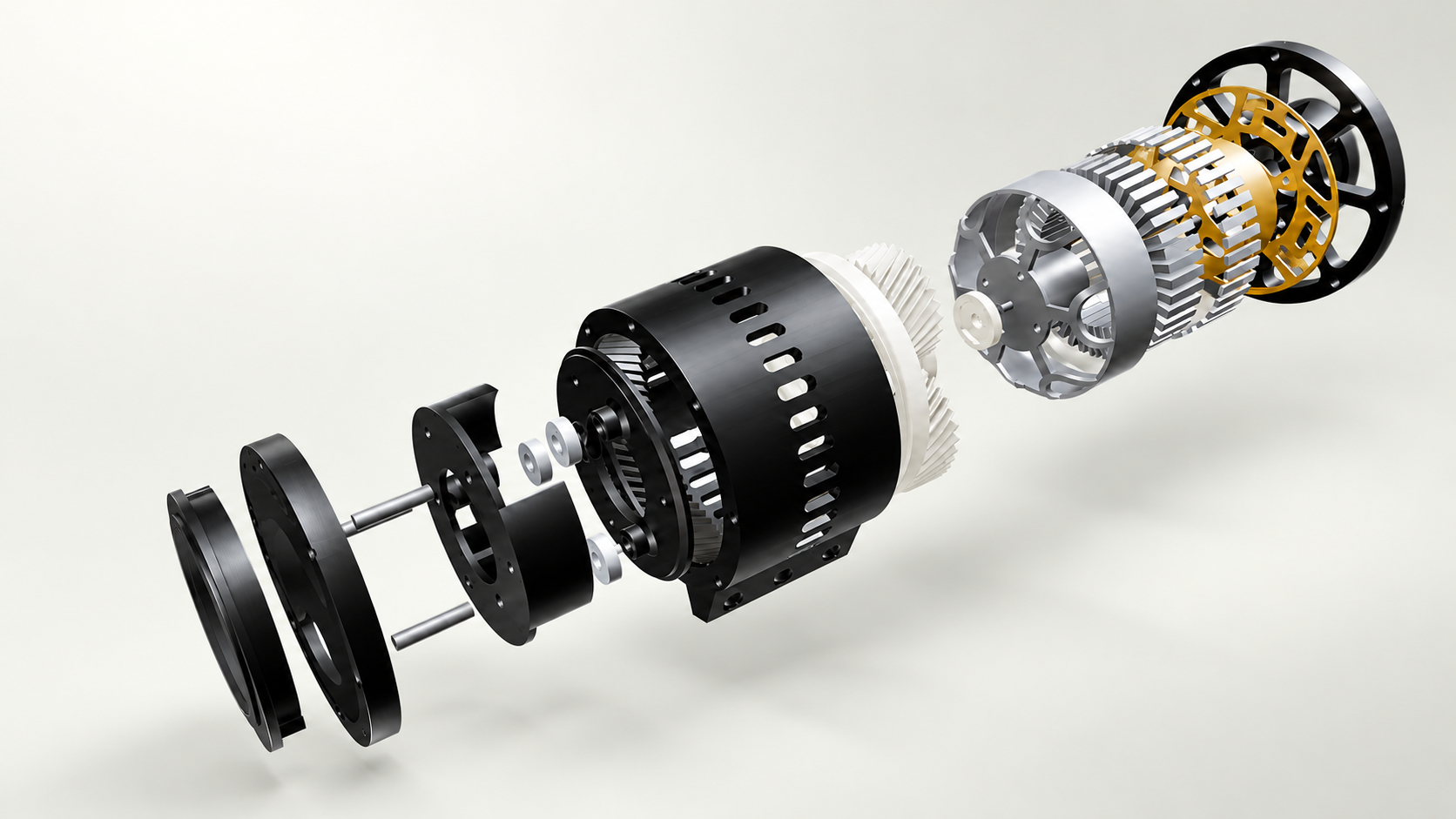
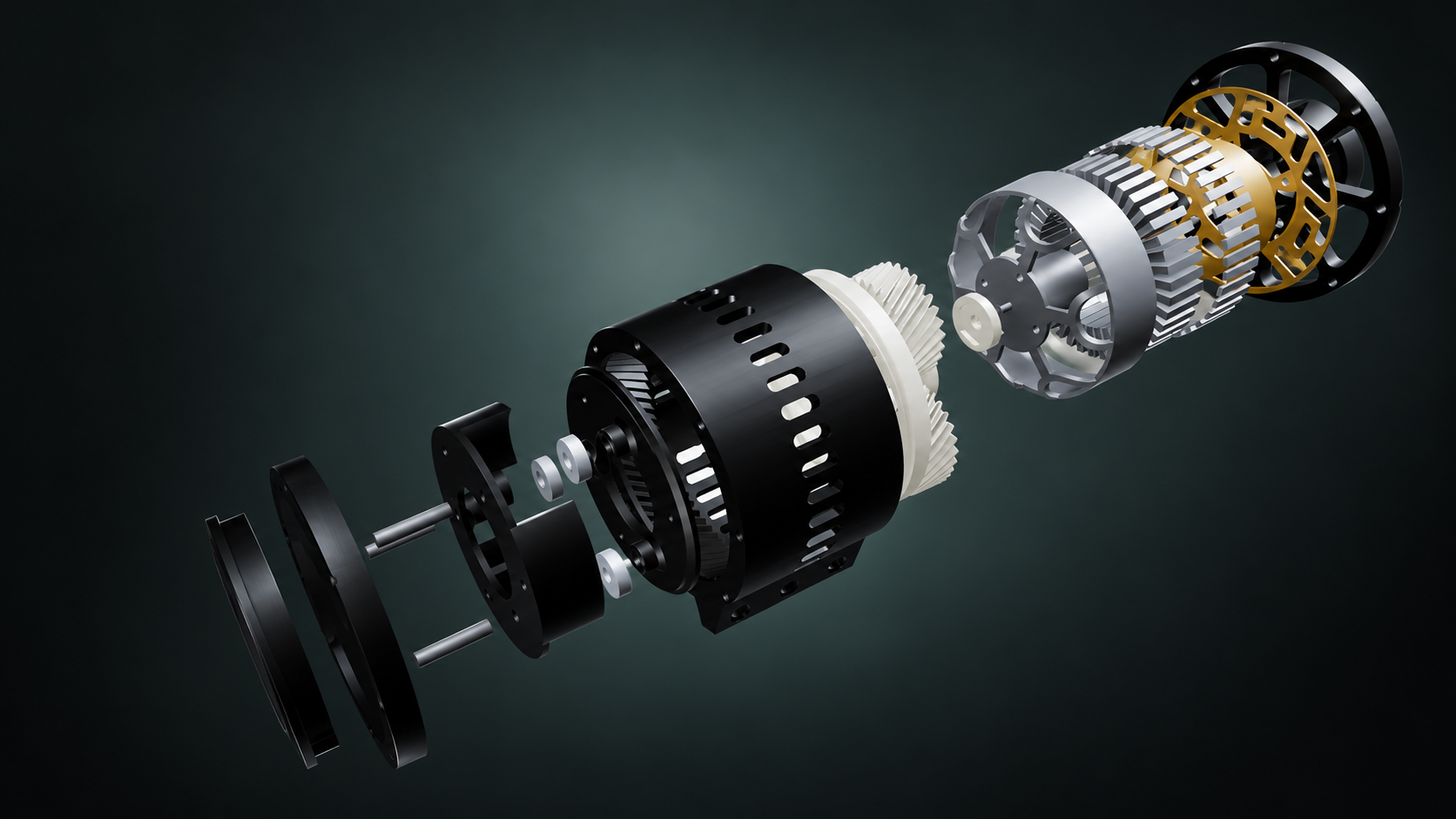
This is the OpenTorque actuator, published with Atlassia exactly as your customers would see it. Turn it, explode it, search for a part and add it to a quote request.
Drag to rotateScroll or pinch to zoomParts to search and locateCart to send a quote requestRequests from this demo reach the Atlassia team.
The loop
From your CAD to a customer's request,
and back to a better catalog
Drop your STEP, IGES or BREP assembly, or STL, 3MF and OBJ files, with your parts list, or all of it in one ZIP with photos and datasheets. Atlassia reads them in your browser, links each spare part to its place in the model, and lets you choose per part what customers see. A model that comes as one file is split into its parts, and repeated parts are counted. Your source files are never uploaded.
Publish an unlisted link or embed it on your own website. Add a passcode or hide it when only some people should see it. Updates go to the same link, so every embed shows the latest version.
Customers turn the machine in 3D, explode it, find a part by number or name, see it alone or in place, and view it in AR on their phone. No account, no plugin, no app install.
They add parts to a quote basket and send it. The request is stored with exact part numbers and quantities, and arrives in the Slack or Microsoft Teams channel your team already reads, or in your inbox.
Open the request and see exactly the quoted parts in 3D. Move it from new to answered to won or lost. Claude can list this week's requests, show the parts and draft your reply: add a custom connector with https://app.atlassia.de/mcp.
See which parts are viewed most, and which are viewed often but never requested. Fix their description in one click, republish with a short note customers see, and compare requests before and since.
Capabilities
Everything the loop needs,
nothing it doesn't
STEP, IGES and BREP are read on your computer with OpenCASCADE compiled to WebAssembly, and STL, 3MF and OBJ meshes are read there too. Your source files never reach our servers; only display copies of the parts you choose are hosted. No STEP file yet? Drop a Fusion, SolidWorks, Inventor or Blender file and Atlassia tells you how to export one.
Publish an unlisted link, then update it whenever the design changes. The link stays the same, so every share and embed shows the latest version. Hide or revoke it any time, or add a passcode so only the people you send it to can open it.
Copy the embed snippet from your project and paste it into any product page, doc or portal. Visitors get the full interactive viewer — no account, no plugin.
Part numbers, descriptions, photos and datasheets next to the model. Locate highlights any part in 3D and steps through every other place it's used, and order links go straight to your shop.
Every request is stored with exact part numbers and quantities before anyone is notified, then posted to Slack, Microsoft Teams or any webhook, or emailed to you: reply, and you answer the customer. Open it to see the quoted parts in 3D, and track it from new to won or lost.
Opens, part views, basket adds and AR starts, counted as daily totals. No cookies, no IP addresses, nothing per visitor. Parts viewed often but never requested point to an unclear description or a missing price.
Republish with a short note, drafted from what changed since the live version. Customers see "Updated" with it; you see each changed part's requests before and since.
Per part: show it, replace it with a bounding box, or hide it. Hidden parts are left out of the published catalog entirely — their models are never uploaded.
Visitors rotate, zoom and explode the assembly to see how it fits together. On iPhone, iPad and Android they can place it in the room with AR — no app install.
Who it's for
Built for teams
that make physical products
Machine builders
Give every customer a 3D catalog of their machine. The "round thing next to the motor" becomes an exact part number in a request, without photos going back and forth.
Service & sales teams
Requests land in the channel you already use, with the selected parts shown in 3D. You see what is open, answered, won, or lost—and what customers explore without requesting.
Manufacturers & OEMs
Embed the catalog in a dealer portal or product page. When the design changes, update one link and every embed shows the new revision.
Custom makers & 3D-printing teams
Turn a finished CAD assembly or mesh into something customers can inspect before they request a replacement, upgrade, or custom build. Choose exactly what is published.
Who's behind it
A young product,
built by the person you talk to
Badii Boukalane
Software developer, Bielefeld · builds and runs Atlassia
Spare-parts catalog software is mostly built for large companies: priced on request, rolled out over months, tied to one CAD or ERP system. Many machine builders keep working with PDFs and order forms instead. Atlassia is the lighter way: a catalog from your own CAD in an afternoon, at a price you can read on the website.
You talk to the developer, not a ticket queue, and your feedback goes straight into the product. Your projects can be exported at any time. .
Your CAD in.
Shareable catalog out.
Build a 3D catalog from your CAD or mesh files, share it with customers, and see what they explore and request. Your source CAD is parsed locally in your browser; you choose what to publish. Atlassia is in private beta: try the app, and .
Open the app